If you're wondering is PUBG cross play, the quick answer in 2026 is pretty simple: yes on consoles, but not across every platform. PlayStation and Xbox players can squad up without much trouble, while PC and mobile still sit in their own separate matchmaking ecosystems. In this guide, we're breaking down exactly what works, what doesn't, and what settings you need to check before sending out invites.
Is PUBG Cross Play in 2026
As of 2026, the answer is yes for console cross-play, but no for PC-to-console. Players on PlayStation 4, PlayStation 5, Xbox One, and Xbox Series X|S all share the same matchmaking environment, so cross-platform squads between PlayStation and Xbox are fully supported. PC, though, is still walled off. Whether you're on Steam or the Epic Games Store, you're matched only with the PC player pool.
That separation also applies between PUBG on PC and PUBG Mobile. These are still treated as entirely different products, with different builds, different competitive environments, and different anti-cheat systems. Krafton hasn't announced any plan in 2026 to connect those versions, and the PUBG: BATTLEGROUNDS roadmap revealed in March didn't hint at broader cross-play beyond the current console setup.
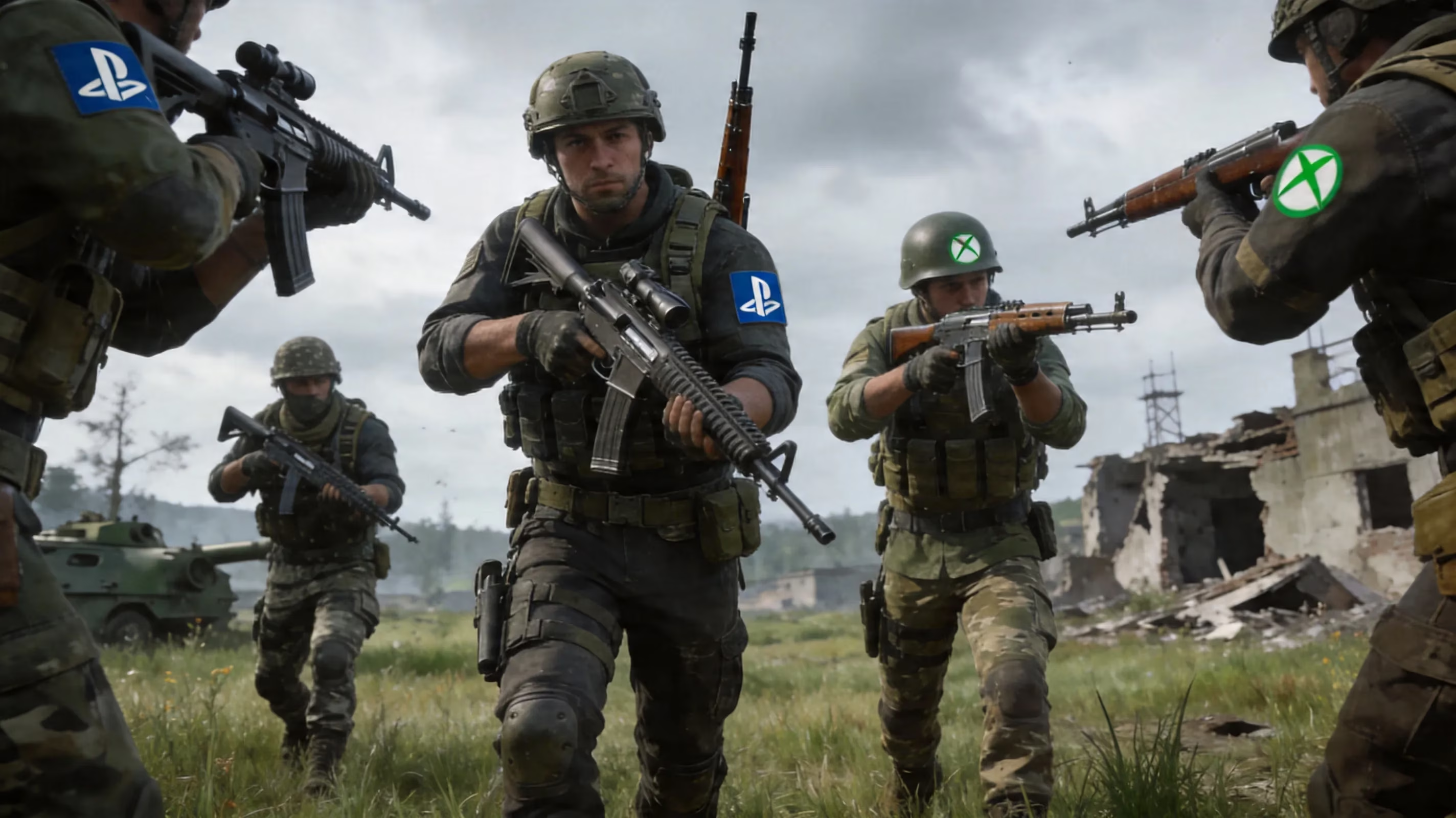
Cross-progression is also still missing. Cosmetics, Battle Pass progress, and account inventories stay locked to the platform where they were earned. So if you've stacked up skins on Xbox, you can't move that collection over to PlayStation or PC. Same story across every platform pairing.
PUBG Crossplay Platform Compatibility
Here’s the current 2026 compatibility snapshot:
| Platform A | Platform B | Cross-Play Supported |
|---|---|---|
| PlayStation 4 | PlayStation 5 | Yes |
| PlayStation 4 / PS5 | Xbox One / Series X|S | Yes |
| Xbox One | Xbox Series X|S | Yes |
| PC (Steam) | PC (Epic Games Store) | Yes |
| PC | PlayStation 4 / PS5 | No |
| PC | Xbox One / Series X|S | No |
| PUBG Mobile (Android) | PUBG Mobile (iOS) | Yes |
| PUBG Mobile | PC (Steam / Epic) | No |
| PUBG Mobile | Console | No |
One detail players sometimes miss: Steam and Epic users are in the same PC matchmaking pool. So if you bought PUBG on Steam and your friend uses the Epic version, you can still queue together just fine. That's basically the only real cross-store scenario on PC, and it works without any special setup.
The emulator situation is a little different. If someone is using GameLoop on a Windows PC, they're not actually playing PUBG: BATTLEGROUNDS. They're running PUBG Mobile through Android emulation, which means they stay in a separate environment with separate servers from the standard PC version.
PUBG Cross Play Setup on Console
Getting cross-play working on console is pretty straightforward. On both PlayStation and Xbox, you'll find the option in the in-game settings under Social or Network, usually listed as Cross-Network Play. You can toggle it on or off whenever you want, and you usually won't need to restart the game. If you turn it off, matchmaking gets restricted to your own console family, which can make queue times way longer in quieter regions or off-hours.
Inviting friends is also fairly simple as long as both sides have cross-play enabled. A PlayStation player can invite an Xbox player through PUBG's in-game friends list, and the reverse works too. One thing you should still check, though, is region. If squad members are set to different primary matchmaking regions, one player may end up with decent ping while another gets packet loss or unstable performance.
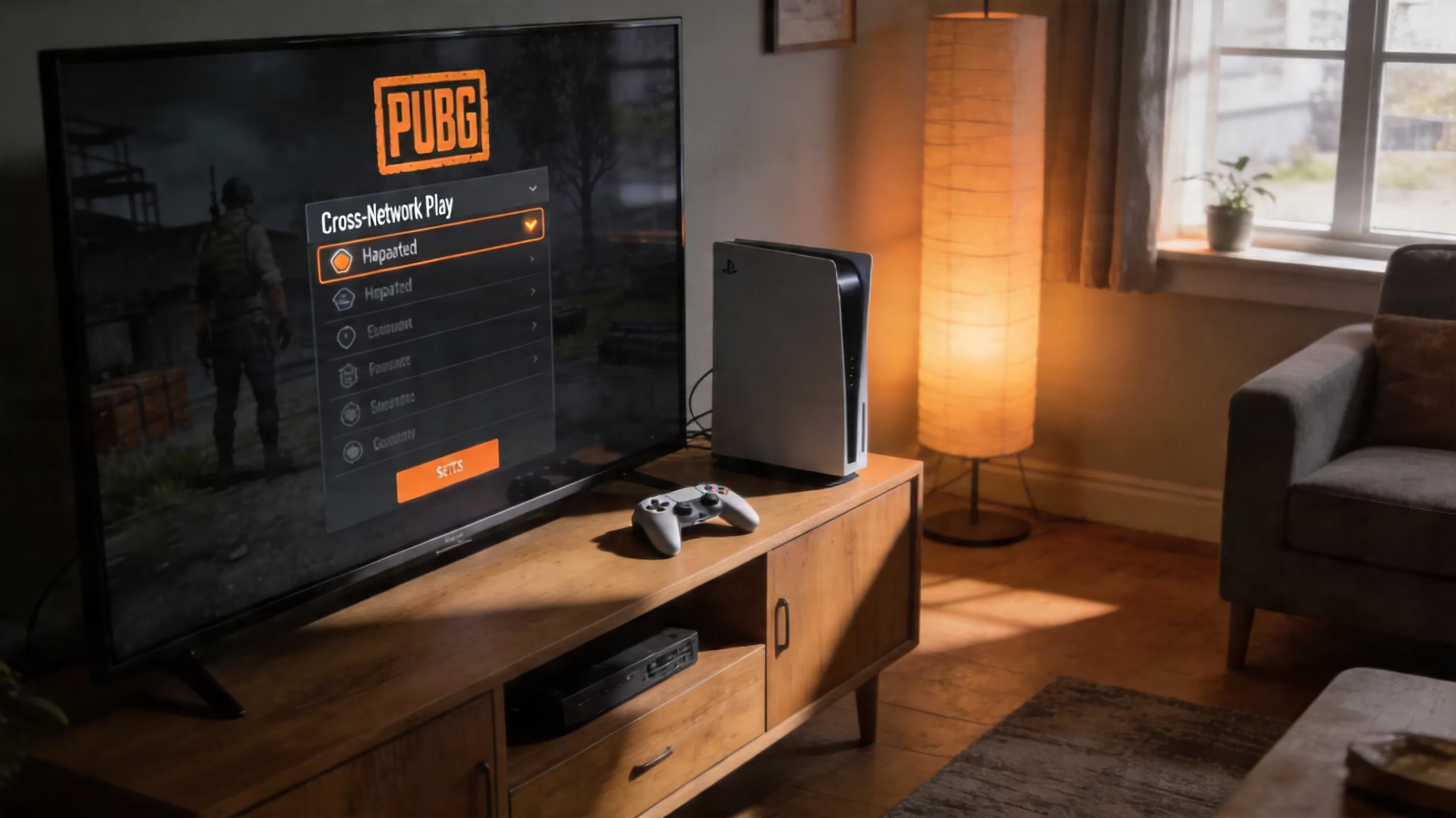
Voice chat has its own limitation. Cross-network communication works through PUBG's built-in voice system, not through native console party apps. That means PlayStation Party Chat and Xbox's system-level chat won't bridge the gap, so mixed-console squads should stick with the in-game team voice channel or proximity chat if they want everyone in the same conversation.
Why PUBG Cross Play Has Limits
PUBG's cross-play restrictions aren't there by accident. They've been shaped by competitive balance, technical barriers, and platform-specific security concerns that still matter in 2026.
The biggest issue is the mouse-and-keyboard advantage. Even with strong controller tuning, a mouse still gives players much finer aim control and faster target correction than thumbsticks can. In a game like PUBG, where medium- and long-range gunfights often decide the match, that difference is huge.
Then there's the anti-cheat problem on PC. Historically, the PC version has dealt with a much higher concentration of cheating, including advanced hardware-based methods like DMA cheats that are notoriously hard to detect. Krafton's 2026 roadmap specifically calls out anti-cheat expansion with platform-specific enforcement in mind. If PC and console pools were merged, console players would be exposed to threats they currently avoid.
There's also the issue of patch parity. PUBG updates don't always land on PC and console at the same time. A balance patch, hotfix, or content update can hit one platform days or even weeks before the other. Once versions drift out of sync, cross-play becomes way harder to maintain without bugs, crashes, or weird gameplay inconsistencies.
And finally, the server ecosystem split is still a real factor. PC and console run on different backend infrastructure, and combining them would take major engineering work. Right now, Krafton's 2026 priorities are focused elsewhere, including console infrastructure upgrades, destructible terrain on Erangel, and new game modes rather than merging the PC and console ecosystems.
PUBG Mobile and Emulator Matchmaking
PUBG Mobile crossplay
PUBG Mobile has its own cross-play setup, and it works well within the mobile ecosystem. Android and iPhone players share the same matchmaking pool, so squads can mix devices freely without any restrictions based on operating system. Whether you're on a Galaxy phone, an iPhone, or an iPad, you're still playing in the same environment.
Account data on mobile follows the PUBG Mobile account system, so your ranked progress, skins, and Royale Pass rewards carry across supported mobile devices as long as you're logging into the same account. That said, none of that connects to PUBG: BATTLEGROUNDS on PC or console. Ranked systems, seasonal progression, and rewards are all separate.
GameLoop on PC
GameLoop lets Windows users run PUBG Mobile through an Android emulator, but it's important not to confuse that with the actual PC version of PUBG. It isn't PUBG: BATTLEGROUNDS, and it doesn't share the same matchmaking, progression, or gameplay ecosystem. The maps, UI, weapon handling, and monetization structure are all different enough that they should be treated as separate games.
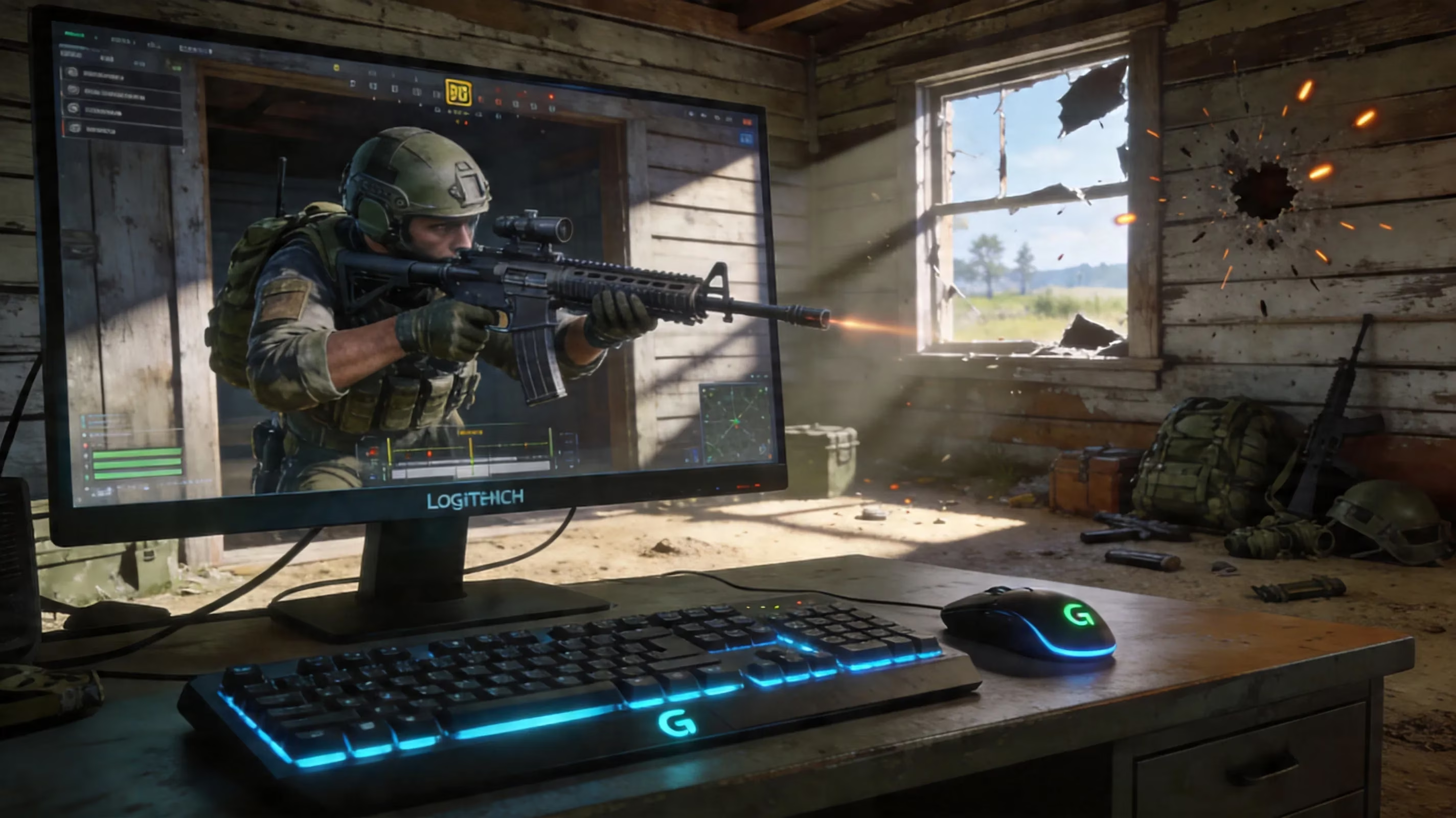
When someone queues through GameLoop, PUBG Mobile's input detection flags the emulator and places that user into emulator-only lobbies. Regular mobile players on Android or iOS don't enter those lobbies by default. If a touchscreen player joins a squad with a GameLoop user, the whole squad gets moved into the emulator pool. That pool usually plays tougher on average, mostly because mouse-and-keyboard users have a clear input edge. It's basically PUBG Mobile's way of keeping things fair for touch players while still allowing mixed-device squads.
PUBG Cross Play FAQ
PC with Xbox or PS5
No, PUBG does not support PC-to-console cross-play in 2026. Using a controller on PC doesn't change that. Matchmaking is based on the game client and platform account, not on whether you're holding a controller or using mouse and keyboard. There isn't a legitimate workaround for this, and attempts to bypass platform restrictions have led to bans in the past.
Can friends keep cosmetics
No shared progression exists between platforms. If you unlock or buy a skin on PlayStation, it stays on that PlayStation account. It won't show up on Xbox, PC, or mobile. The same goes for currency, ranked history, and other account-bound progress. If you switch platforms, you're effectively starting over from scratch, and Krafton still hasn't announced any cross-progression feature for 2026.
Will PUBG add more crossplay
Right now, that doesn't look likely in the near term. Krafton's 2026 roadmap is centered much more on gameplay updates than on expanding cross-play. The big items include destructible terrain, new tactical systems, a roguelite co-op mode called Xeno Point, and a PAYDAY collaboration heist mode.
On the technical side, Krafton has confirmed console server infrastructure upgrades aimed at better performance and stability across PS4, PS5, Xbox One, and Xbox Series X|S. Anti-cheat improvements are also part of the plan, especially with stronger platform-specific enforcement. But none of that points to PC-to-console cross-play arriving anytime soon. The same balance and security issues that blocked it before are still very much in play.
Conclusion
So, for anyone still asking is PUBG cross play, here's the clean recap: console players can fully squad up across PlayStation and Xbox, while PC and mobile remain separated into their own matchmaking pools. If you're playing on console, make sure cross-network play is enabled, your squad is on the same region, and you're using PUBG's in-game voice chat for the smoothest setup.
PC players can play together across Steam and Epic, but nowhere beyond that. PUBG Mobile players share lobbies across Android and iOS, while GameLoop users are pushed into emulator-only matches to keep the playing field fair. And no matter where you play, cross-progression still isn't part of the package. If you're trying to keep your squad together in 2026, choosing the right platform setup from the start will save you a lot of hassle.