If you're trying to squad up across devices in 2026, here's the quick answer: PUBG is only partially cross-platform. Console crossplay between PlayStation and Xbox is fully supported, but full cross-platform play across PC, console, and mobile still is not a thing. That distinction matters a lot, especially if your group is split between Steam, PS5, Xbox Series X|S, or PUBG Mobile.
PUBG has been around long enough that this question keeps popping up for good reason. Krafton has continued updating the game, but the platform boundaries are still pretty clear. If you want to know how matchmaking works, what kind of parties you can form, and whether your progress carries over, let's break it all down.
Is PUBG Cross Plat in 2026
The real verdict on is PUBG cross plat is not a simple yes or no. In 2026, PUBG still runs across three separate ecosystems: PC (Steam and Epic Games Store), console (PS4, PS5, Xbox One, and Xbox Series X|S), and mobile (Android and iOS through PUBG Mobile). Crossplay exists inside the console side of things, but it does not extend to PC or mobile.
Console crossplay is live and on by default. That means PlayStation and Xbox players can queue together in the same matchmaking pool without needing any extra workaround. For console players, this was a huge improvement because it helped keep lobbies healthier and shortened queue times, especially in ranked and in lower-population regions.
PC and console still do not share crossplay. If you're on Steam or Epic, you cannot invite a friend on PS5 or Xbox into your PUBG: Battlegrounds lobby. This is not some missing feature Krafton forgot to flip on either. It has consistently been kept separate because of competitive balance, anti-cheat concerns, and the obvious mouse-and-keyboard versus controller gap.
PUBG Mobile is its own separate ecosystem. Even though it carries the PUBG name and feels familiar in a lot of ways, it is still a different client with separate servers, progression, and account systems. A Steam PUBG account cannot be merged with or used on PUBG Mobile, and the reverse is also true.
PUBG Crossplay Platform Breakdown
To make things easier, here is the current compatibility snapshot for 2026:
| Platform A | Platform B | Cross-Play Supported? |
|---|---|---|
| PC (Steam/Epic) | PlayStation 4/5 | No |
| PC (Steam/Epic) | Xbox One/Series X|S | No |
| PlayStation 4/5 | Xbox One/Series X|S | Yes |
| PUBG Mobile | PC | No |
| PUBG Mobile | Console | No |
| PC (Gameloop Emulator) | PUBG Mobile | Yes (limited) |
PC and Console
PUBG: Battlegrounds on PC is available through Steam and the Epic Games Store, while the console version covers PlayStation and Xbox. The core experience is obviously the same at a glance: drop in, loot fast, rotate smart, survive the blue zone. But under the hood, these versions do not share matchmaking or lobbies.
A big reason is input disparity. Mouse-and-keyboard players on PC have a very real aiming advantage over controller users, especially in long-range fights and fast target tracking. Krafton could theoretically build input-based matchmaking, but that would require a major systems overhaul and still would not fully erase the difference in control precision.
The other major issue is anti-cheat. PC has always been more vulnerable to third-party tools like aimbots, wallhacks, and other cheats. Console environments are much more locked down by comparison. If Krafton merged those player pools, console players would be exposed to a cheat environment they currently avoid, and that would be rough for ranked integrity.
PlayStation and Xbox
This is the one place where PUBG crossplay works exactly how most players want it to. PlayStation and Xbox users share the same console matchmaking pool, so a PS5 player can queue into the same squads match as someone on Xbox Series X|S without any special setup beyond normal crossplay settings.
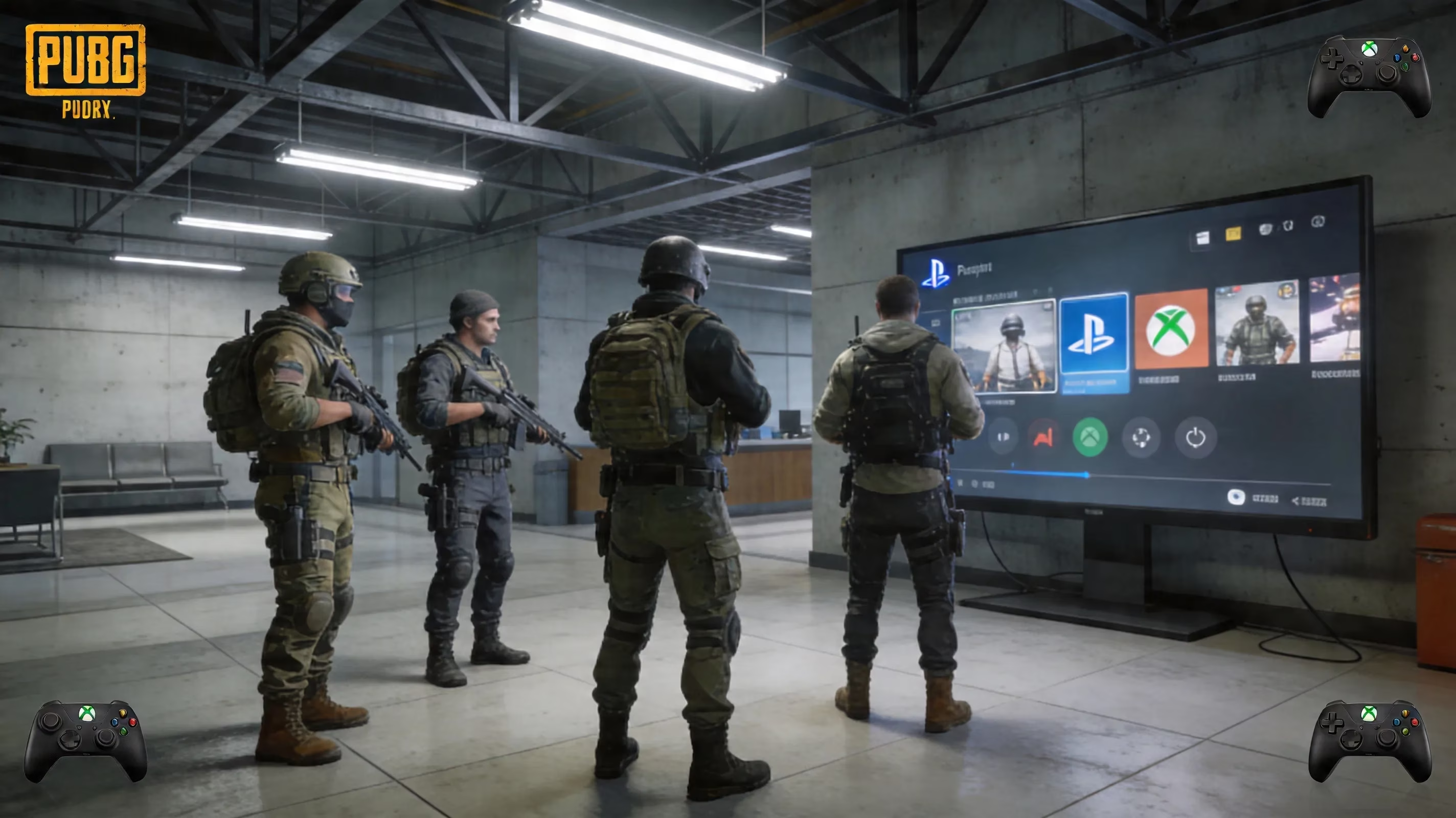
You can also turn crossplay off in the settings if you want same-platform-only matchmaking. That said, doing so usually makes queue times noticeably longer. In smaller regions or during off-hours, it can get pretty bad, and ranked is where that impact shows up the most because skill brackets already narrow the pool.
There is also a platform icon shown next to player names in the pre-match lobby, so you can tell who is on PlayStation and who is on Xbox. In-game voice chat works across both console families, although plenty of squads still prefer Discord or other third-party voice options for cleaner communication.
PUBG Mobile and Emulator
PUBG Mobile is not connected to PUBG: Battlegrounds on PC or console in any meaningful way. It has its own servers, ranking ladder, progression system, and account structure. So if you're hoping to jump from mobile into a Steam or Xbox lobby, that is not possible.
The one exception people bring up is Gameloop, the official emulator tied to PUBG Mobile. If you play PUBG Mobile through Gameloop on PC, you can match with other emulator users, but not with the standard PC version of PUBG: Battlegrounds. Those emulator lobbies are also kept separate from touchscreen mobile players to avoid giving mouse-and-keyboard users an unfair edge.
Just as important, there is no account crossover here either. A Gameloop or PUBG Mobile account does not connect to your Steam PUBG account, and progression does not transfer between them.
How PUBG Crossplay Works
On console, crossplay is handled through PUBG's in-game social system, not through the native PlayStation or Xbox friends list alone. If you're on PlayStation and want to invite an Xbox friend, you usually search their in-game username from PUBG's social menu and send the invite there. Once both players are in the same squad, the game places them into the shared console matchmaking pool.
Matchmaking rules depend on the mode. Standard TPP and FPP playlists both use the shared console pool when crossplay is enabled. Ranked mode adds skill-based matchmaking on top of that, so the game is not just finding players on console; it is also trying to match similar Survival Rank tiers. At higher ranks like Platinum, Diamond, or Master, queue times can climb because the eligible pool gets much smaller.
Region also matters more than some players expect. To queue together smoothly, both players need to be on the same server region. If one person is in North America and the other is trying to play from Europe, one side may need to switch regions manually, and that usually means higher ping and a less stable experience.
PUBG Cross Progression and Accounts
This is where a lot of players get disappointed: PUBG still does not have full cross-progression. Your cosmetics, Survivor Pass rewards, weapon skins, and G-Coin are tied to the platform where you earned or bought them. If you unlock a skin on PlayStation, that does not mean it will show up later on your PC account.
The same goes for premium currency. G-Coin is platform-locked, so anything purchased through the PlayStation Store stays in that ecosystem, and purchases made on Xbox, Steam, or Epic stay there too. That is mostly due to storefront licensing rules, and it is pretty standard even if it is frustrating.
Krafton does use a Krafton ID, which gives players a more unified account layer for identity and support purposes. But in practice, as of 2026, it does not function as true cross-progression. It helps with account management, not with sharing your inventory or moving progression freely between PC and console.
A related issue is platform purchase lock. DLC, season passes, and in-game currency bought on one storefront cannot be transferred to another. So if you bounce between multiple devices, it is worth thinking twice before spending money on cosmetics or passes on the platform you use less often.
How to Play With Friends
Same console ecosystem
If your group is split between PlayStation and Xbox, the process is actually pretty painless:
-
Make sure crossplay is enabled in the Settings menu under Gameplay.
-
Open PUBG's Social or Friends panel from the main lobby.
-
Search for your friend's in-game username.
-
Send the friend request and, once accepted, invite them to your squad.
-
Queue normally into the shared console matchmaking pool.
Voice chat can work through PUBG's built-in squad chat, and it usually gets the job done. Still, some players run into occasional VOIP hiccups, so using Discord or another external voice app can be the cleaner option if your group wants more reliable comms.
Different platform groups
If your friends are split between PC and console, the options are honestly limited. The only real way to play together in a standard match is for one side to switch to the other platform ecosystem. Since PUBG: Battlegrounds is free-to-play, that barrier is lower than it used to be, but you still need the right hardware and you still start fresh in terms of platform-bound purchases and progression.
When switching platforms is not realistic, mixed-platform groups usually fall back on a few practical alternatives:
-
Use Discord for coordination while everyone plays separately
-
Share drop strategies, rotations, and replay reviews outside the game
-
Set up custom matches if your group meets the account requirements
-
Keep one “main” platform for regular squad nights to avoid constant friction
Custom lobbies do exist, but they are more commonly used for community events, scrims, or creator sessions than for casual friend groups just trying to hop into normal matchmaking.
PUBG Crossplay FAQ
Is PUBG cross plat PC Xbox?
No. PUBG on PC through Steam or Epic does not connect with Xbox lobbies, parties, or matchmaking. They are still completely separate ecosystems.
Is PUBG cross plat PS5 PC?
No. PS5 and PC players cannot share lobbies in PUBG: Battlegrounds. There is no official workaround, and Krafton has not announced one.
Can controller PC join console?
No. Using a controller on PC does not move you into console matchmaking. PUBG sorts players by platform client, not by input method, so a controller user on Steam is still treated as a PC player.
Will PUBG add full crossplay?
Right now, there is no public roadmap for full PC-console crossplay. Krafton has repeatedly pointed to input fairness and anti-cheat as the biggest barriers. It is possible in theory if they ever build stronger input-based matchmaking and better protections, but as of 2026, nothing concrete has been announced.
Conclusion
So, if you want the clean version: PlayStation and Xbox can play together, PC cannot play with console, and PUBG Mobile stays fully separate from both. Gameloop only connects to PUBG Mobile's emulator pool, not to the main PC game, and cross-progression still is not available across these platform lines.
For most squads, the best setup is simple. Keep everyone on the same platform tier if you can. Console groups get the benefit of PS/Xbox crossplay and healthier queues, while PC players stay in their own ecosystem with the biggest active base and the usual update flow. If you're waiting on any future change to PUBG crossplay, your best bet is still to keep an eye on official Krafton announcements and PUBG patch notes.